


The computer displays 'No signal on DVI' when it boots up?
Oct 22, 2026
When the computer boots up and shows no signal on the DVI port, the possible causes and solutions are as follows:
Memory stick issue:
Loose or oxidized memory stick: The memory stick may become loose due to long-term use or vibration, or the gold fingers may be oxidized, resulting in poor contact. In this case, you can try reinserting the memory stick, gently wiping the gold fingers with an eraser to remove the oxide layer, and then reinstall it.
Display data cable issue:
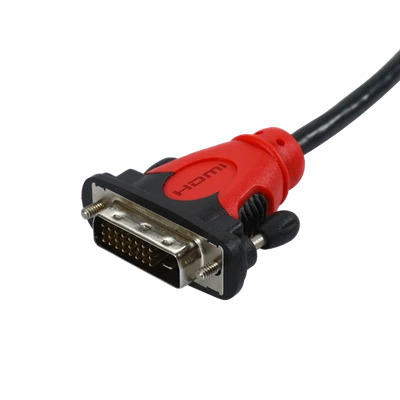
Poor contact of DVI data cable: The DVI data cable may have poor contact due to frequent plugging and unplugging or bending. Check if the ends of the DVI data cable are securely plugged in and ensure that the data cable is not damaged or bent.
Hardware damage:
Damaged memory, graphics card, display, or data cable: If the above two steps cannot solve the problem, it may be that the hardware itself is damaged. At this time, you need to check one by one and try replacing the memory stick, graphics card, etc. with other working hardware for testing, or connect the display and data cable to a different working computer for testing to determine the specific damaged component.
Professional repair:
If the above methods cannot solve the problem, it is recommended to send the computer to a professional repair center for maintenance. Professional repair personnel can use more professional tools and technical means to locate the problem and perform repairs.


