


Are the DVI and VGA cables reversed?
Oct 23, 2026
The DVI and VGA cables are reversed; you can plug them in randomly. However, if you connect a single connector to a monitor or a host computer, this connector is not reversed; one end is connected to the monitor and the other end is connected to the host computer.
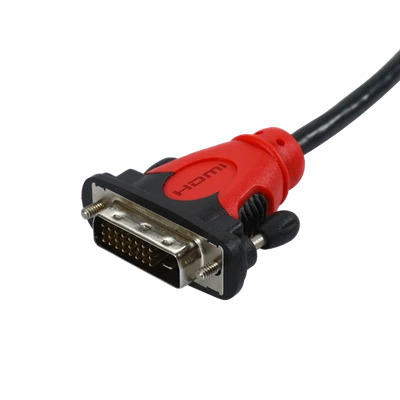
The DVI interface is based on the PanalLink interface technology of Silicon Image and uses the TMDS (Transition Minimized Differential Signaling) electronic protocol as the basic electrical connection. TMDS is a differential signal mechanism that encodes pixel data and transmits it through serial connection. The digital signal generated by the graphics card is encoded by the transmitter according to the TMDS protocol and sent to the receiver through the TMDS channel, and then decoded and sent to the digital display circuit for display.
A DVI display system consists of a transmitter and a receiver. The transmitter is the source of the signal and can be built into the graphics card chip or appear as an additional chip on the graphics card PCB; while the receiver is a circuit on the display that can receive the digital signal, decode it, and transmit it to the digital display circuit. Through these two components, the signal emitted by the graphics card becomes the image on the display.
VGA (Video Graphics Array) is a video transmission standard introduced by IBM along with the PS/2 computer in 1987. It has the advantages of high resolution, fast display rate, and rich colors, and has been widely used in the field of color displays. Although VGA supports black and white and color text modes, the black-and-white mode is rarely used. Most VGA uses the color mode when displaying black-and-white mode, that is, gray text is drawn on a black background. And single-color VGA displays can also well support this color mode. If the connection between modern displays and graphics cards is improper, occasionally the VGA part of the graphics card will detect the display as monochrome, which will cause the BIOS to boot in black-and-white mode. Usually, after loading the operating system and appropriate driver programs, the graphics card settings will be overwritten, and the display will return to color.


