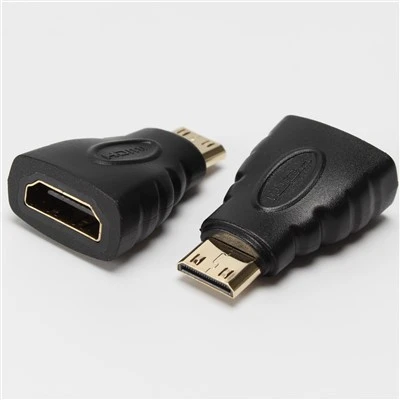
What are the requirements for equipment when using a computer with a mini DP interface for office work?
Sep 17, 2026
The requirements for computer office equipment with a mini DP interface are as follows:

1. Computer hardware support: The computer must have a mini DP interface, which is crucial for connecting external devices. The number and location of the mini DP interfaces may vary depending on the brand and model of the computer.
2. Operating system compatibility: The operating system must be able to recognize and drive the connected devices. Generally, mainstream operating systems such as Windows and MacOS can support connecting external devices through the mini DP interface quite well.
3. Driver installation: After connecting the device, it may be necessary to install the corresponding driver to ensure the device operates normally. Some devices may come with a driver disc, or the latest drivers can be downloaded from the official website of the device manufacturer.
4. Power supply: Ensure that the connected office equipment has a stable power supply to avoid affecting the performance of the equipment due to insufficient power.
5. Software application support: The used office software should be able to work in coordination with the connected devices. For example, connecting a printer requires the office software to support the printing function, and connecting a monitor should be able to display the content output by the computer correctly.
6. Network connection: If the connected devices require network support, such as network printers, ensure that the computer has a stable network connection.
7. Space and layout: Consider the space layout of the office environment to ensure that the connected devices are placed reasonably, without affecting work efficiency and the tidiness of the office area.
8. Equipment performance matching: The performance of the connected office equipment should match that of the computer to avoid work bottlenecks caused by differences in equipment performance.
9. Security settings: Pay attention to the security settings of the office equipment, such as password protection and data encryption, to protect the security of office data.